Windows Secure Boot certificates have expired. How to check your PC and what to do.
In June 2026, two Secure Boot certificates issued by Microsoft back in 2011 expired. While there was no widespread computer failure, some devices remained on the old trust chain and will no longer be able to receive new bootloader security features .
Secure Boot was introduced with Windows 8 and has become one of the core security features of modern computers. Even before the operating system launches, the UEFI firmware verifies the digital signatures of the bootloader, drivers, and other components. If a signature is missing or on the revoked list, the code is prevented from running.
This verification is based on certificates issued by Microsoft in 2011. They were given a long validity period, but even 15 years eventually expire. Now the company needs to migrate millions of computers to the 2023 generation of certificates. Moreover, there is no single deadline, as the certificates expire in stages.
| Old certificate | Validity period | What is it used for? |
| Microsoft Corporation KEK CA 2011 | June 24, 2026 | Signs updates of the databases of allowed and prohibited DB and DBX components |
| Microsoft UEFI CA 2011 | June 27, 2026 | Checks third-party bootloaders and UEFI applications |
| Microsoft Windows Production PCA 2011 | October 19, 2026 | Used to sign Windows Boot Manager |
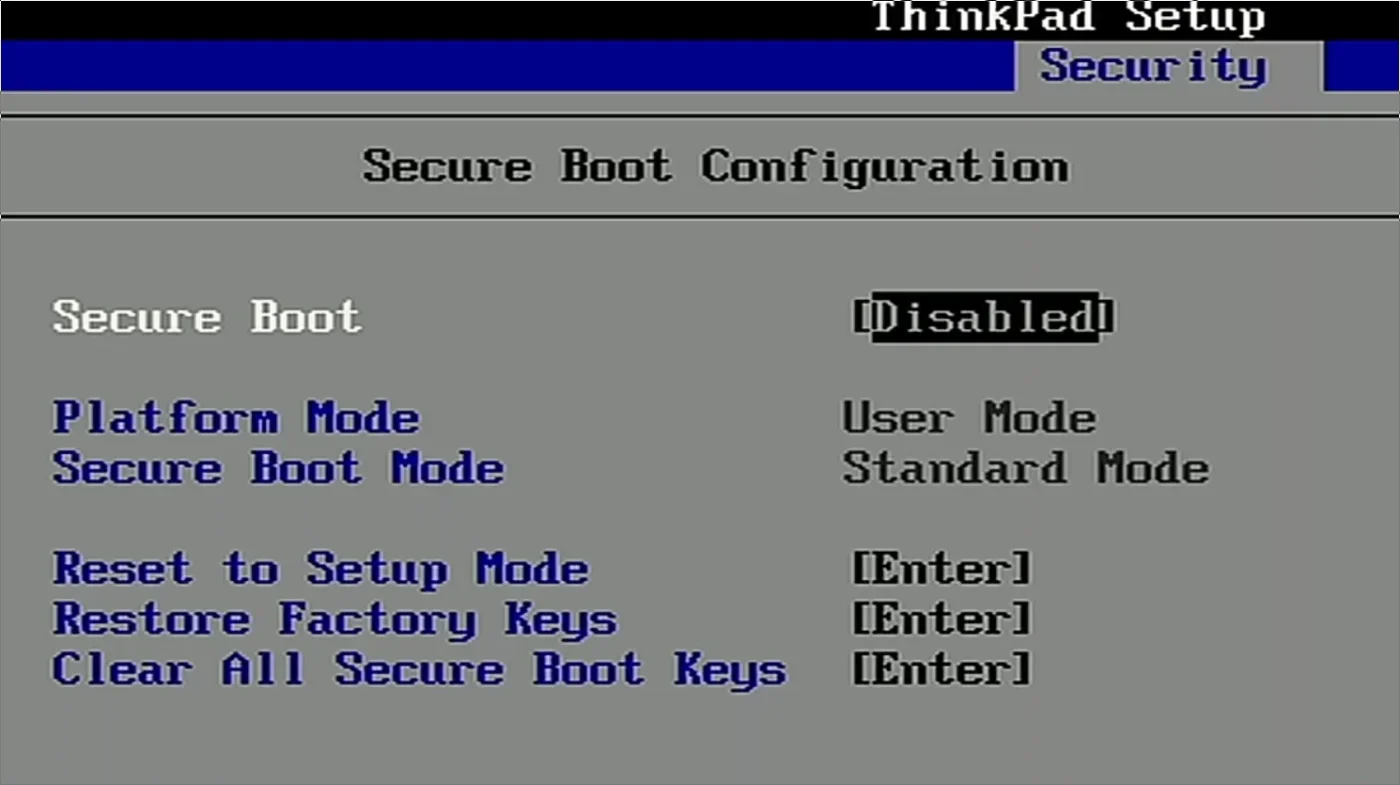
- Check if Secure Boot is enabled. To do this, press Win + R, enter msinfo32, and look for the line "Secure Boot Status." The value should be "On."
- Open Windows Update and install all available updates. Also check the optional updates section, as a newer firmware version may be available.
- Find your exact computer or motherboard model and check the manufacturer's support page. Only install the BIOS from the official website and only for your specific model.
- Before updating your BIOS, make sure you have your BitLocker recovery key. It may be stored in your Microsoft account, work account, or with your system administrator. Microsoft explains where to find it in a separate guide .
- If Windows reports that the rollout is temporarily stopped, it's best to wait for a fix. This is a security hold, not necessarily a download error.
- If you report a hardware or software limitation, please contact the manufacturer's support team. Older computers may require special firmware or a separate key update package.

Log in to like, dislike, or reply.