How to install FFmpeg 4.x on Ubuntu 18.04?
The FFmpeg is an opensource transcoding tool for multimedia files. It provides a lot of shared libraries such as libavcodec, libavformat, and libavutil etc. You can convert various video and audio formats, resize videos, set sample rates, etc. using this tool.
Here I am providing the steps to install the latest FFmpeg 4.x version on the Ubuntu OS.
Login to the server as root user.
Instead of using 'apt', it is better to use the 'snap' command to install the packages in a single step.
First, you need to check if the snap command is already existing on the server. If not, please install it using the following command:
# apt install snapd
Once installed, you can simply install FFmpeg using the following command:
# snap install ffmpeg
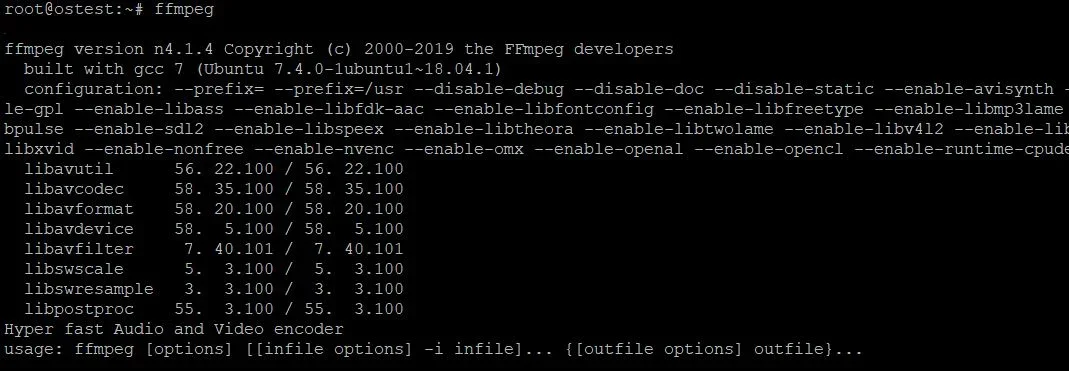
It will take some time to complete the installation. You can use the 'ffmpeg' command to get the details about the installation:
Log in to like, dislike, or reply.
Replies 0
No comments yet
Log in to leave a comment.