How to fix Display Issue?
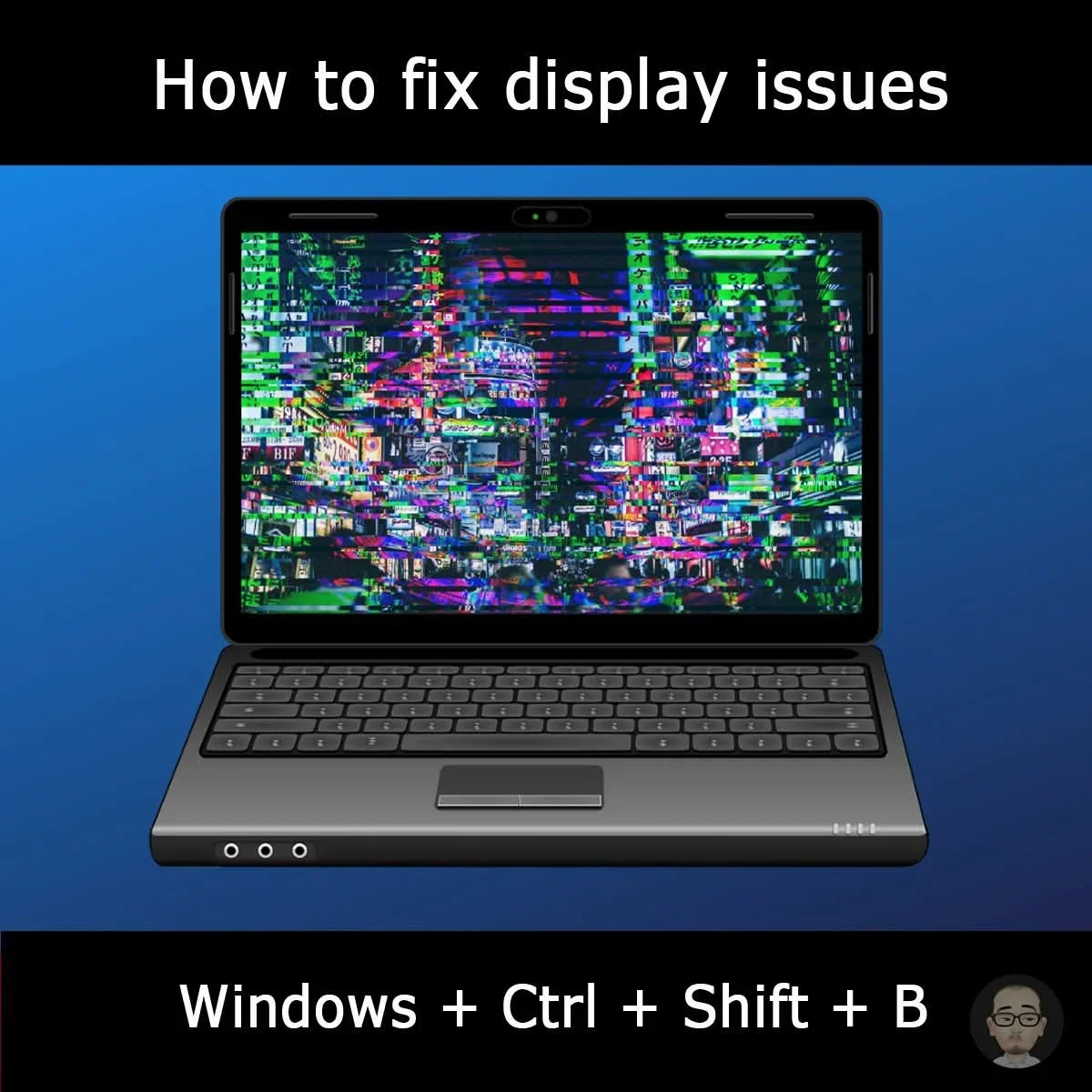
Fix display issues like a black or frozen screen, pixel problems, or a blank external monitor.
Press and hold: 𝑾𝑰𝑵𝑫𝑶𝑾𝑺 + 𝑪𝑻𝑹𝑳 + 𝑺𝑯𝑰𝑭𝑻 + 𝑩
When successful, the screen will briefly go black and you may hear a beep, indicating that the display driver has been reset without needing to restart the entire system. It's a quick way to troubleshoot display problems without the hassle of a full system restart.
#pctips #windows #fblifestyle

Log in to like, dislike, or reply.
Replies 0
No comments yet
Log in to leave a comment.